




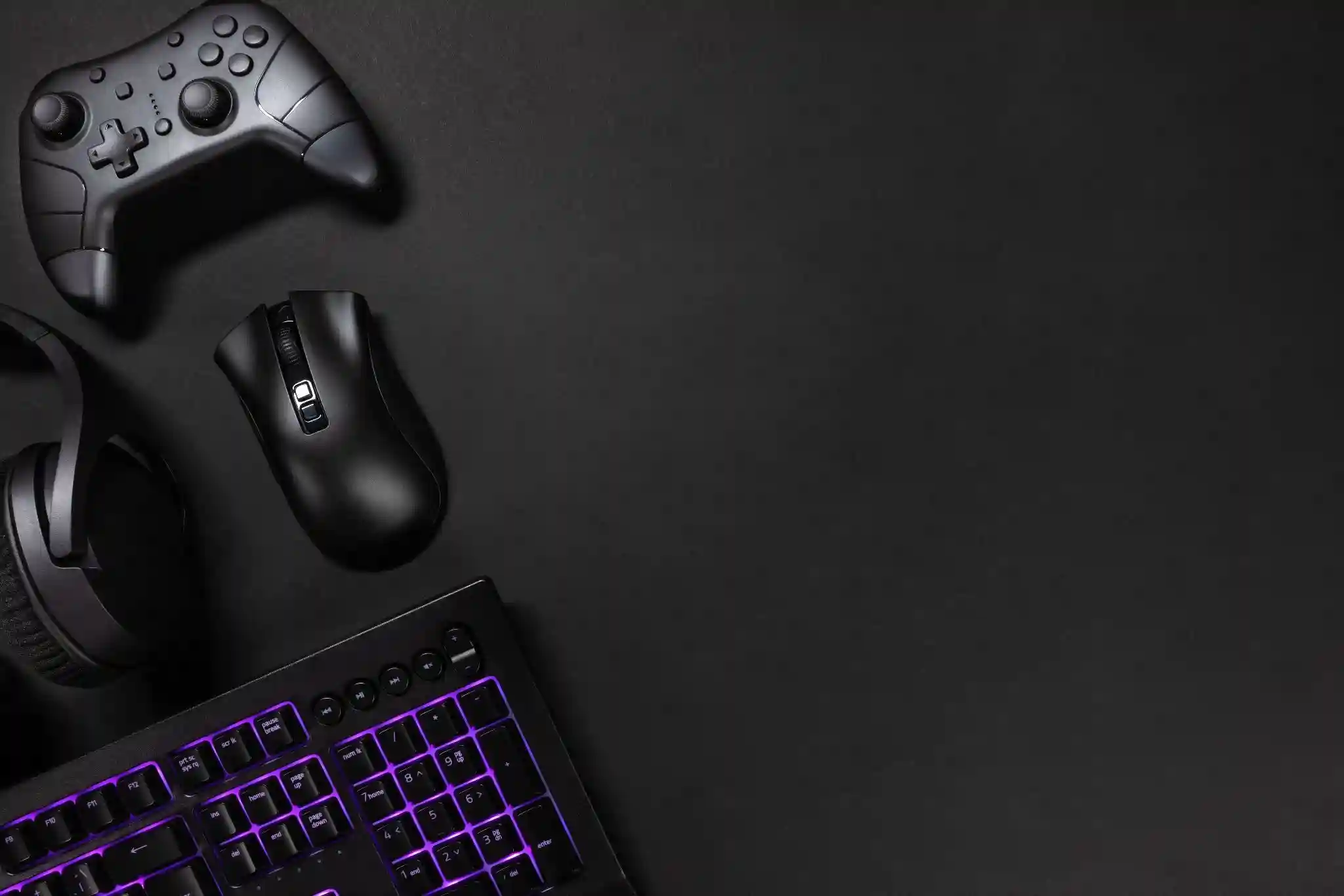
A computer alone is only half the story. What truly defines your daily experience is everything around it. Essential PC accessories shape how you work, play, and create. They influence posture, reaction time, workflow speed, and even mental clarity. A poorly optimized setup causes fatigue and frustration. A refined one feels effortless. The difference is not cosmetic. It is functional and psychological.
The right accessories enhance efficiency. Faster storage reduces waiting. Ergonomic tools prevent strain. Better audio improves communication. These improvements compound over time. Small upgrades today create measurable productivity gains tomorrow. Professionals understand this. Gamers feel it instantly. Content creators depend on it. A balanced setup is not about luxury. It is about performance alignment.
Performance-Boosting Accessories You Shouldn’t Ignore
Performance is not just about CPU and GPU power. External tools directly impact system responsiveness and longevity.
High-Speed External Storage Solutions
External SSDs dramatically reduce file transfer times. They are essential for designers handling large assets and gamers managing extensive libraries. NVMe enclosures push speed even further. Traditional HDDs still serve as backup options, but they cannot match solid-state responsiveness. Data security also improves with reliable external drives. Backups prevent catastrophic losses. Investing in high-speed storage is both practical and strategic.
Advanced Cooling Systems and Thermal Management
Heat silently degrades performance. Cooling pads for laptops, additional case fans for desktops, and quality thermal paste extensions all extend hardware life. Overheating reduces processing efficiency. It can also shorten component lifespan. Proper airflow maintains stability during heavy workloads. For gamers and editors, thermal management ensures consistent frame rates and rendering performance.
Uninterruptible Power Supply for System Protection
Power fluctuations damage hardware. A UPS stabilizes voltage and prevents abrupt shutdowns. This protects data integrity and internal components. For professionals working on critical projects, this accessory is not optional. It is protection against sudden loss.
- External SSD for rapid data access
- Reliable cooling support for longevity
- UPS for consistent power stability
These essential PC accessories create a stable foundation for demanding tasks.
Ergonomic Accessories for Long-Term Comfort
Comfort directly affects productivity. Discomfort reduces focus. Poor posture creates chronic strain. Ergonomic accessories prevent long-term issues and enhance daily performance.
Mechanical vs Membrane Keyboards for Efficiency
Mechanical keyboards offer tactile feedback and durability. They support faster typing and precise key recognition. Membrane keyboards remain quieter and more affordable. Choosing depends on preference and workload. Writers and programmers often benefit from mechanical switches due to improved responsiveness.
Precision Mice and Customizable DPI Settings
A high-quality mouse enhances control. Adjustable DPI supports both gaming precision and design accuracy. Programmable buttons streamline repetitive tasks. Ergonomic shapes reduce wrist strain. Over time, these improvements protect health and boost efficiency.
Monitor Stands and Adjustable Mounts
Screen positioning affects neck and eye health. Adjustable stands allow ideal eye-level alignment. Dual-monitor mounts expand workflow. Reduced neck strain translates into sustained concentration. Clean positioning also improves desk organization.
Immersive Audio and Visual Enhancements
Visual clarity and sound depth transform interaction. Whether gaming or editing video, immersive tools increase engagement and accuracy.
High-Resolution Monitors and Color Accuracy
High refresh rates improve motion clarity for gamers. IPS panels provide superior color accuracy for designers. Resolution impacts detail visibility. Investing in the right display ensures consistent performance across tasks. Eye-care technology also reduces fatigue during extended sessions.
Headsets, DACs, and Microphones
Clear communication matters in remote work and competitive gaming. Quality headsets isolate sound. Dedicated DACs enhance audio fidelity. External microphones improve voice clarity for streaming or meetings. Sound precision builds confidence and professionalism.
Cable Management and Desk Optimization
Clutter distracts the mind. Organized cables create visual calm. Cable sleeves, clips, and under-desk trays improve aesthetics and safety. Docking stations reduce tangled wires. A clean environment fosters focus. Psychological research supports the link between organized spaces and improved cognitive function.
Smart Connectivity and Expansion Tools
Modern devices require flexibility. USB-C hubs expand connectivity instantly. Docking stations transform laptops into full workstations. Wi-Fi adapters enhance network stability. Ethernet solutions reduce latency for gamers.
USB-C Hubs and Docking Stations
These tools consolidate multiple connections into one streamlined system. They reduce friction during transitions between work and leisure.
Wi-Fi Adapters and Network Boosters
Stable internet is critical for productivity. Upgraded adapters reduce lag and improve download consistency. For online gaming and streaming, this stability enhances overall experience.
Accessories for Content Creators and Streamers
Creators demand professional tools. High-definition webcams improve visual presence. Ring lights enhance facial clarity. Capture cards support smooth gameplay recording. Audio isolation panels improve sound quality. Investing in these essential PC accessories builds credibility. Viewers respond to clarity and consistency.
Gaming-Focused Add-ons for Competitive Advantage
Gaming peripherals influence reaction time and immersion. RGB controllers enhance customization. Extended mousepads support wide movements. Controller charging docks ensure readiness.
- High-DPI gaming mouse for faster reactions
- Mechanical keyboard for rapid keystrokes
- High-refresh monitor for smooth visuals
These upgrades directly affect performance. Competitive gamers recognize marginal gains as decisive advantages.
Budget vs Premium: How to Choose the Right Accessories
Premium does not always mean necessary. Evaluate usage frequency. Consider durability and warranty. Entry-level accessories suit casual users. Professionals benefit from higher-grade equipment due to daily reliance. Smart investment balances quality and affordability.
Future-Proofing Your Setup
Technology evolves quickly. Selecting modular accessories ensures compatibility with future upgrades. USB standards change. Wireless protocols improve. Choosing adaptable solutions prevents frequent replacements. Sustainability also matters. Durable materials reduce environmental impact and long-term cost.
Common Mistakes When Buying PC Accessories
Impulse purchases lead to regret. Prioritizing aesthetics over ergonomics reduces practicality. Ignoring compatibility wastes money. Research remains essential. Reading user reviews and checking specifications prevents mismatches.
Expert Recommendations for Building a Balanced Setup
Experts suggest prioritizing according to purpose. Gamers should focus on display and input precision. Remote workers benefit from ergonomic chairs and noise-canceling headsets. Designers require color-accurate monitors and fast storage. Programmers value responsive keyboards and dual displays. Identifying primary use ensures efficient allocation of budget.
Final Thoughts
Essential PC accessories are not about decoration. They are about optimization. A thoughtful setup enhances speed, comfort, and immersion. It reduces strain. It increases confidence. Over time, these improvements compound into measurable gains. Upgrading strategically transforms an ordinary workstation into a powerful productivity hub.
FAQs
What are the most essential PC accessories for beginners?
A reliable mouse, ergonomic keyboard, quality monitor, and external storage are foundational. These items improve comfort and performance immediately without overwhelming new users.
How much should I budget for upgrading my PC setup?
Budget depends on usage. Casual users may start modestly. Professionals should invest more in durable, performance-focused accessories. Prioritize function over aesthetics.
Are wireless PC accessories better than wired options?
Wireless offers convenience and cleaner setups. Wired accessories often provide lower latency and consistent power. The choice depends on performance needs and workspace preference.